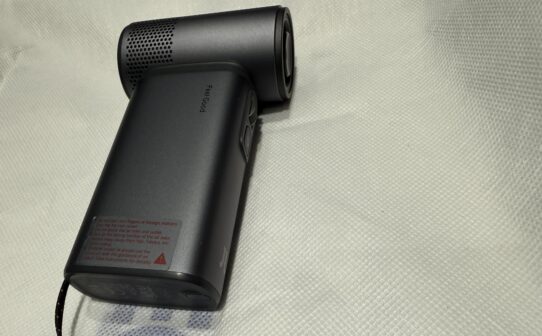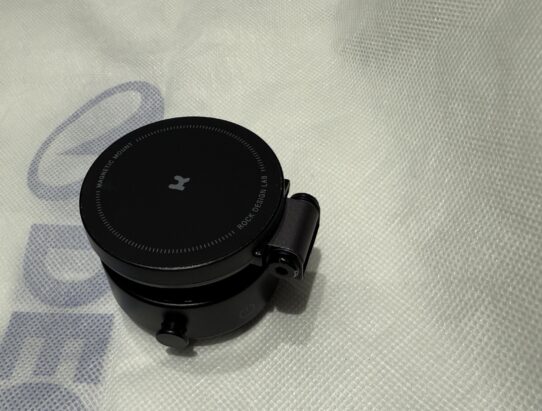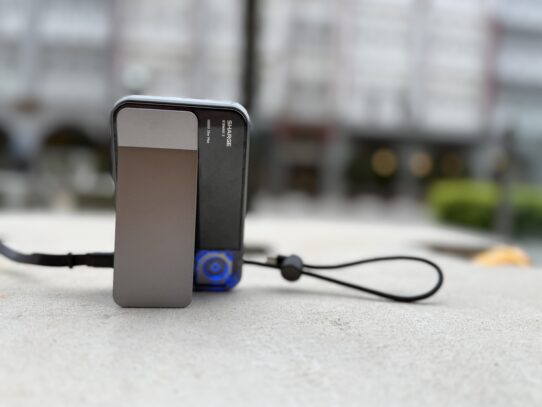


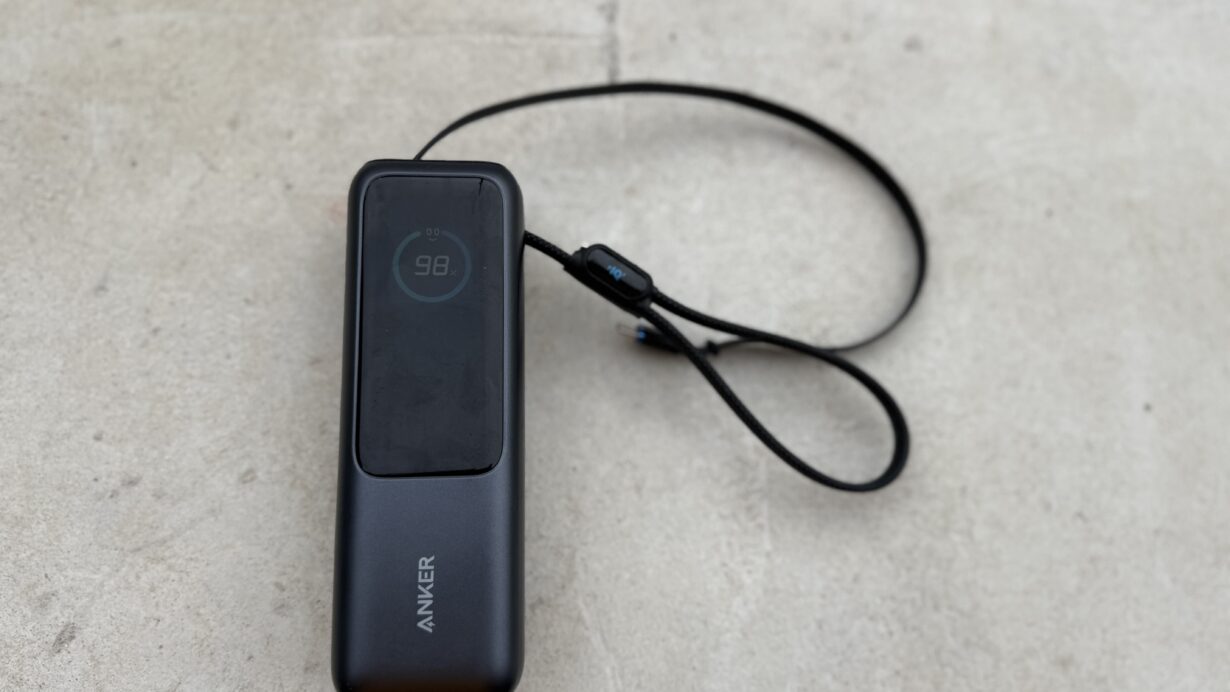

Been using the Anker 25000mAh 165W powerbank (model A1695) for 6 months now. This thing costs $160 official but can find around $120-140 on Shopee. For a laptop powerbank that’s actually decent pricing but there’s one major issue I gotta talk about.
So this is my backup powerbank now. Always in my bag when I travel. Used it from Chengdu to Shenzhen, charged my MacBook Pro 16 and iPhone 16 Pro Max multiple times. Works great except for that one annoying problem with the C2 cable.
Let me break down what’s good and what sucks after 6 months of actual use.
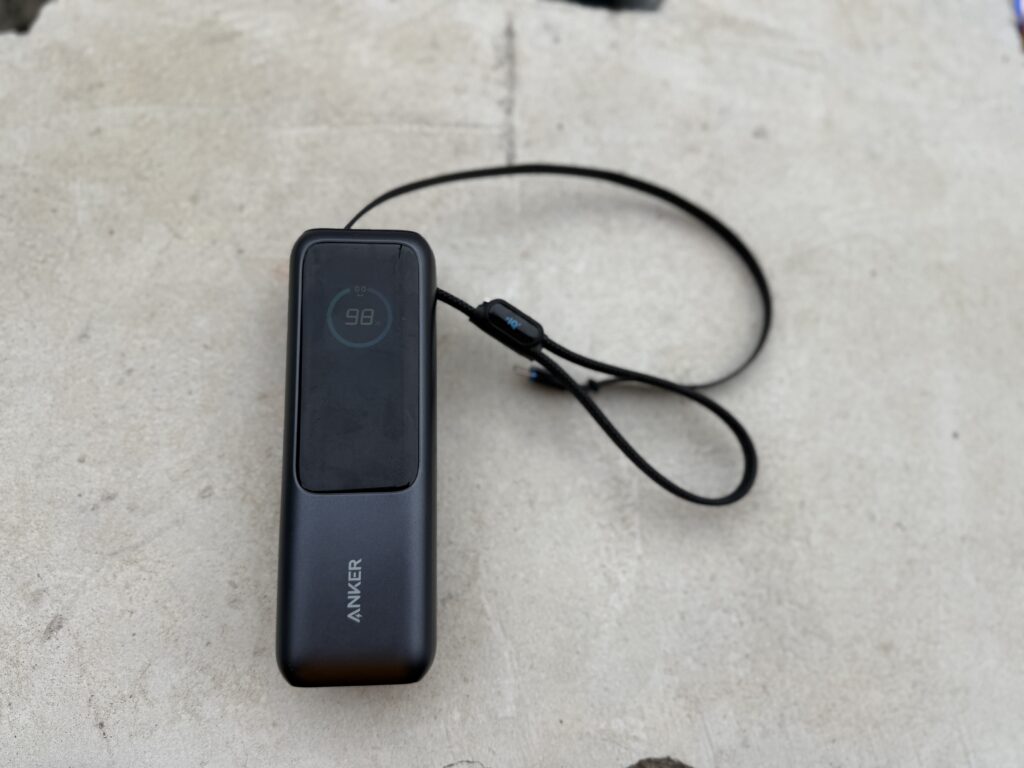
Quick Verdict
- Best for: Laptop users who need serious power on the go
- Love it for: Pull-out cables (so convenient), charges MacBook fast
- Main problem: C2 cable connection issues (needs twisting to work)
- Skip if: You want pocket-sized powerbank or don’t charge laptops
- My rating: 3.5/5 stars (would be 4.5 if C2 cable worked properly)
What You Get – Specs
Here’s the basic specs for the Anker A1695:
| Spec | Details |
|---|---|
| Capacity | 25,000mAh (90Wh actual battery) |
| Max Output | 165W combined, 100W single port |
| Ports | 2x built-in USB-C cables, 1x USB-C port, 1x USB-A port |
| Weight | 595g (heavy!) |
| Recharge Time | 2 hours with 100W charger |
| Size | 15.7 x 5.4 x 4.9 cm |
| Singapore Price | $160 official, $120-155 on Shopee |
| CAAS Approved? | Yes, 90Wh is under 100Wh limit |
Source: Anker Singapore official specs, personal testing
What I Love About It
The Built-In Cables Are Game Changer
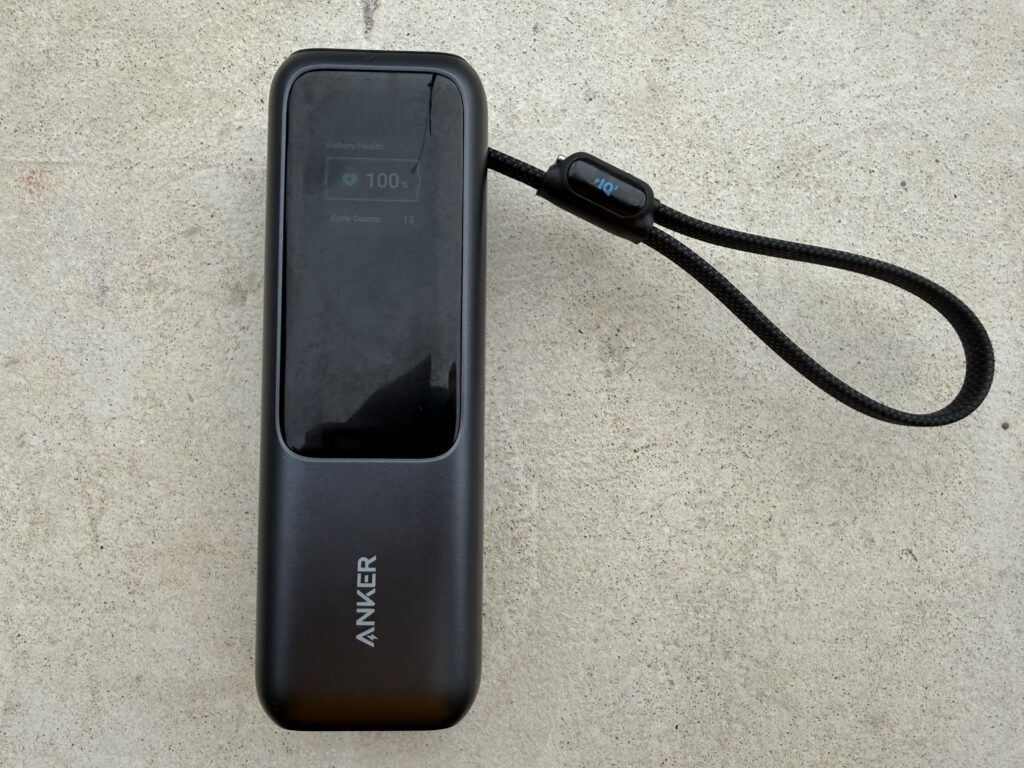
Ok this is the best feature hands down. 2 built-in USB-C cables that you just pull out and use. No need dig around your bag looking for cables.
One cable is 70cm long, another is 30cm. The longer one I use for my MacBook, shorter one for iPhone. Both retractable so they don’t tangle. Anker says they last 17,000 bends and I believe it – feel pretty solid.
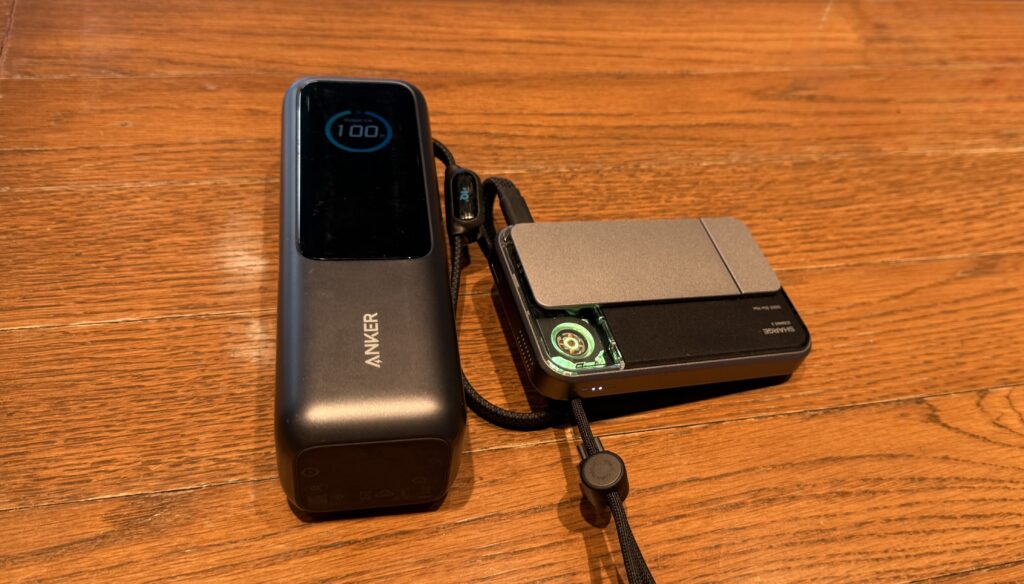
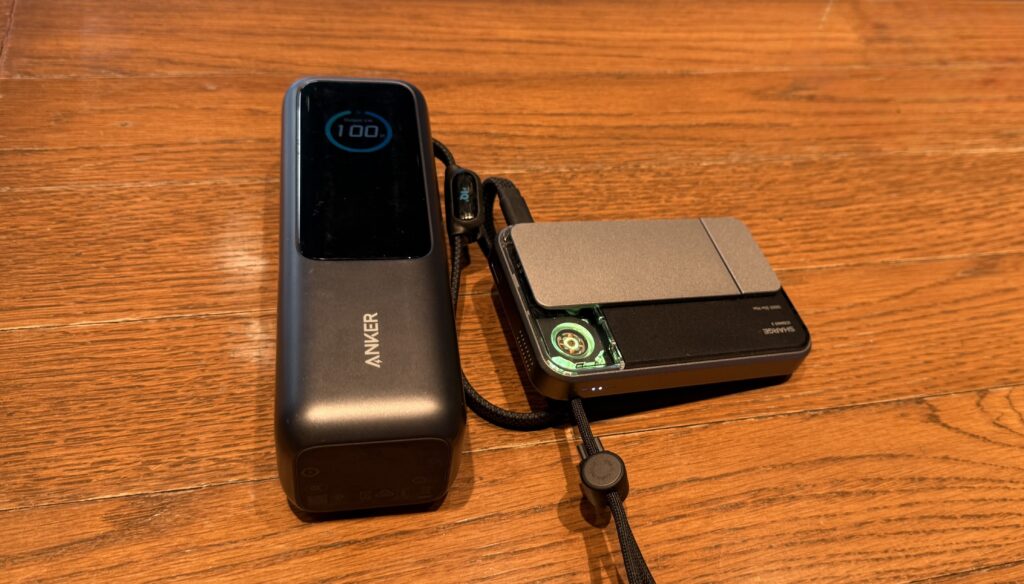
When traveling this saves so much hassle. Just pull the cable, plug in, done. The cable also doubles as carrying strap which is clever design.
Charges MacBook Pro 16 Fast
My MacBook Pro 16 charges at around 90-95W from this powerbank. That’s almost same speed as the wall charger. Can go from 20% to 80% in about 45 mins.
For my iPhone 16 Pro Max, charges at full 27W speed. 0 to 50% in like 20 mins. Pretty impressive for a powerbank.
Can charge 4 devices at once if needed – 2 built-in cables plus the USB-C port plus USB-A port. Never maxed it out but tested 3 devices simultaneously and worked fine.
Actually Works On China Flights
Took this powerbank on my China trip – Chengdu to Shenzhen. No issues bringing it on planes. Security checked it, saw the CCC certification sticker, waved me through.
Important note tho – my mum’s old powerbank got thrown away at security. The print on her powerbank faded so couldn’t read the capacity. Security gave 2 options: throw it away or ship it home. Since China powerbanks are cheap, she just threw it and bought new one.
So make sure your powerbank has clear visible capacity label. If the print fades, might have issues at security.
Screen Display Is Useful
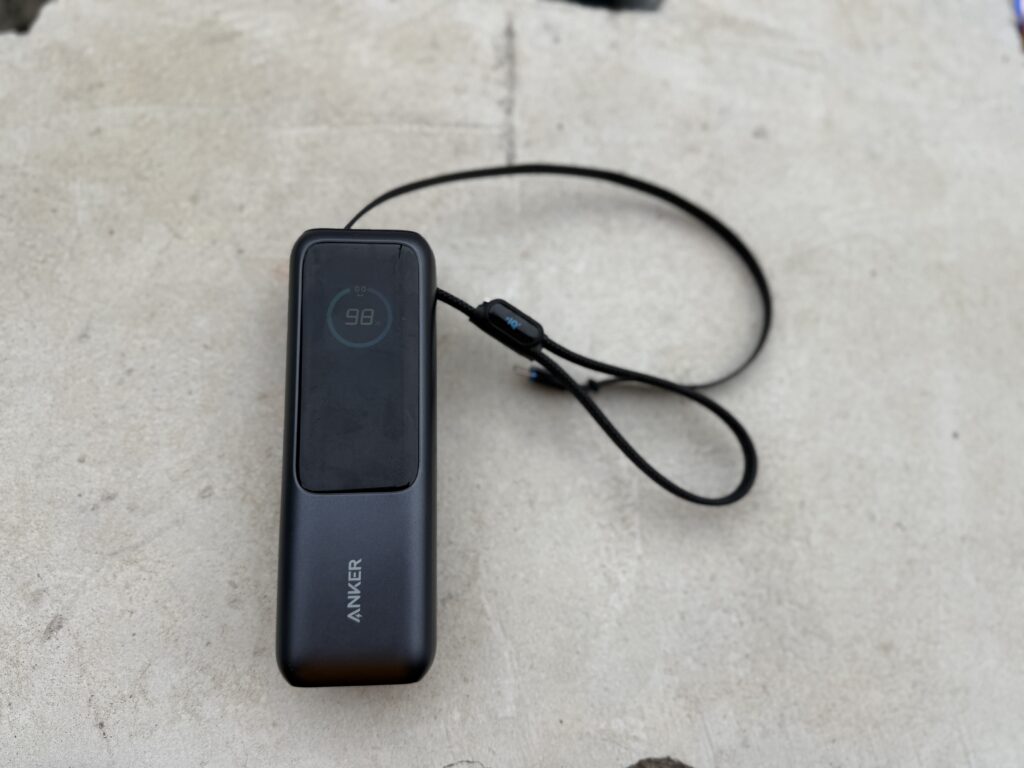
Has a small LED screen showing exact battery percentage and charging wattage. Nice to see exactly how much juice left and what speed it’s charging at.
Screen turns off automatically to save power but taps on to check anytime.
What Sucks About It
C2 Cable Connection Issue – Major Problem
This is the big one. The C2 built-in cable (the short one 30cm one) has connection issues. Like you plug it in and it doesn’t charge. Need to twist the cable, wiggle it around, then suddenly it connects.
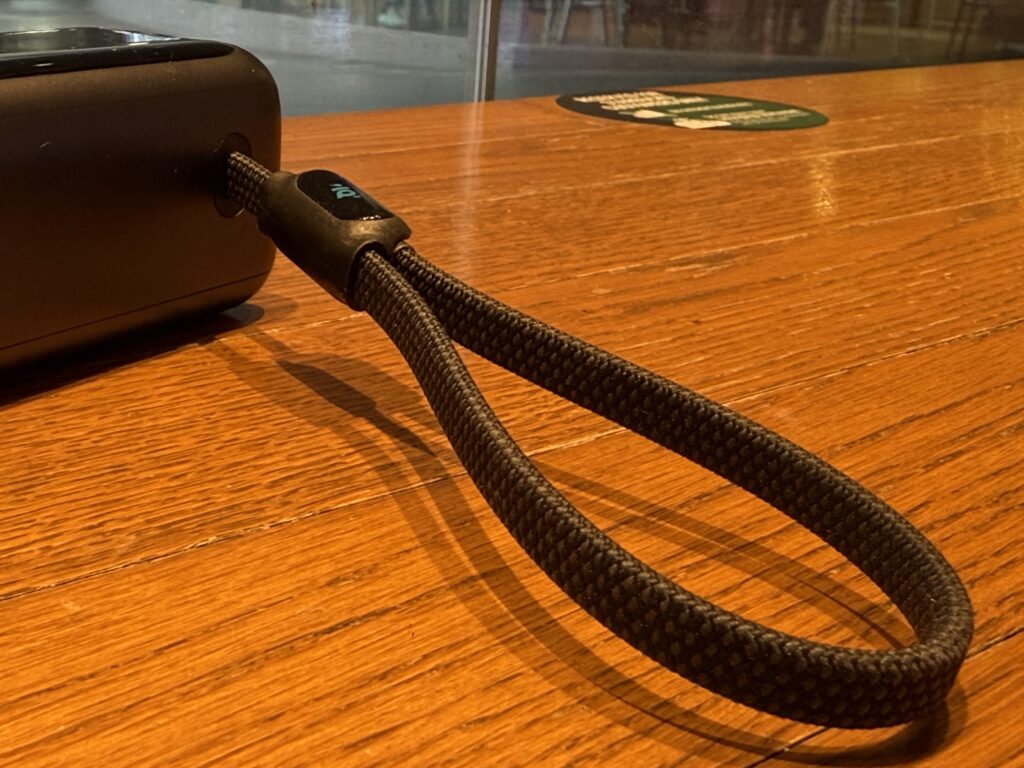
Sometimes it just won’t charge at all. Unplug, replug, twist, repeat until it works. Super annoying when you’re in airport or on train and just want to charge quickly.
I’ve already exchanged this powerbank few times under warranty. Same issue keeps coming back. Checked online and found out this is common problem with the A1695 model. Multiple people on Reddit reporting same C2 cable issue.
One user said C2 stopped working after just 12 cycles (about 1 month). Another got “E107 low voltage” error on their iPhone. Seems like the C2 port or cable has design flaw.
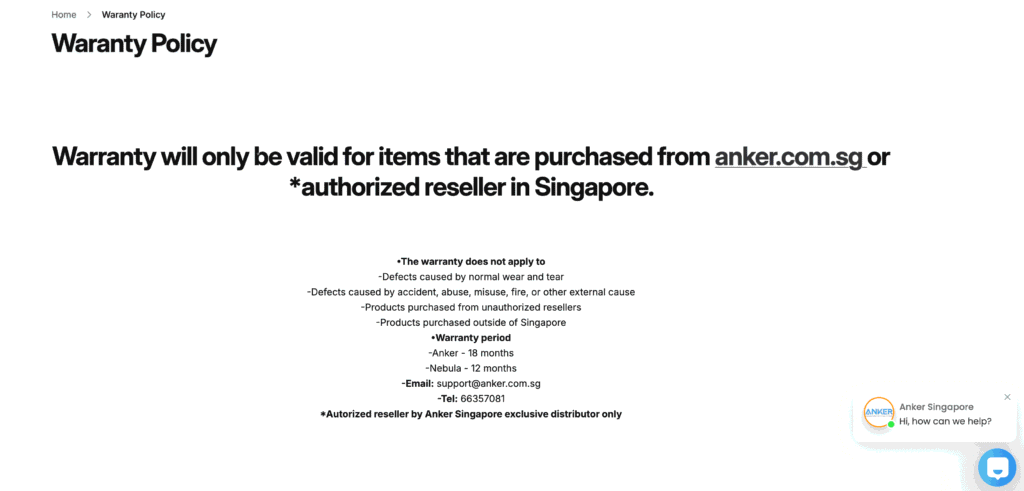
Good news is Anker warranty covers it. Bad news is you need keep exchanging until (hopefully) you get a good unit.
Source: Reddit r/anker, Anker support forums, personal experience
Heavy AF
595g is no joke. That’s heavier than most phones. You feel the weight in your bag.
Cannot put this in your pants pocket – way too big and heavy. It’s strictly a bag powerbank. If you want something pocket-sized, this ain’t it.
For me it’s fine cause I always carry backpack anyway. But if you’re the type who just brings phone and wallet, this is gonna be annoying to carry.
Size Is Chunky
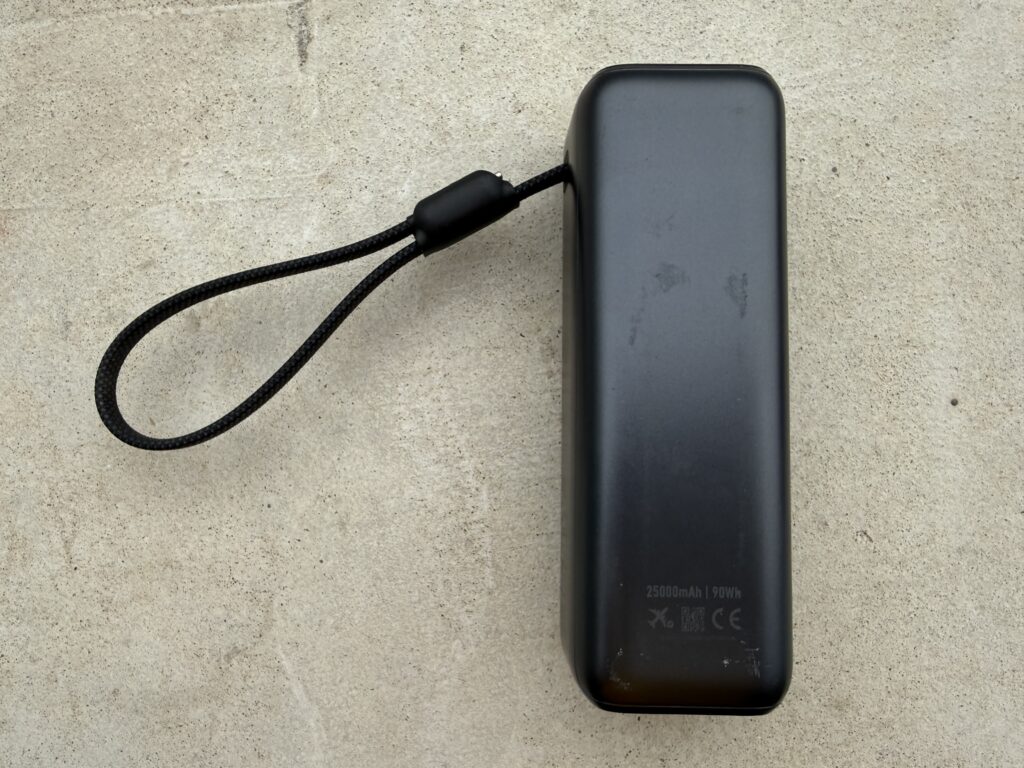
15.7cm long, 5.4cm wide, almost 5cm thick. Takes up decent amount of space in bag. Not dealbreaker but worth mentioning.
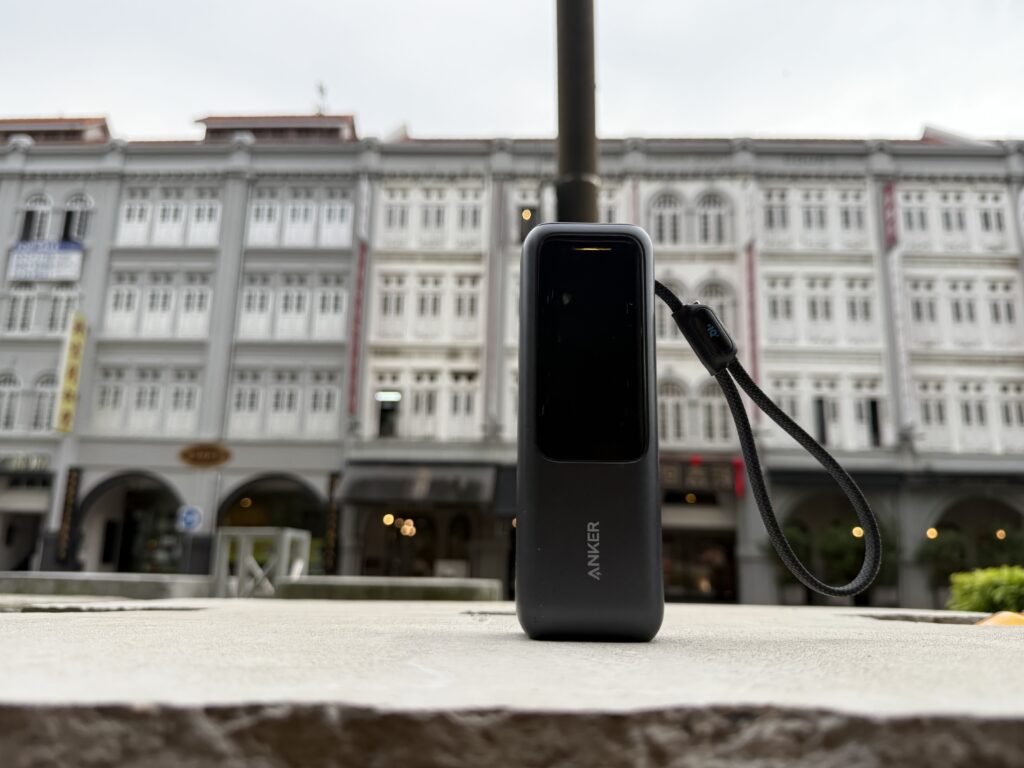
The shape is kinda awkward too – long and rectangular. Anker wants you stand it up but it topples easily and no rubber feet so it slides around.
How It Compares To Other High Capacity Powerbanks
Here’s how the Anker A1695 stacks up against other laptop powerbanks in Singapore:
| Model | Capacity | Max Output | Built-in Cable? | SG Price | Weight |
|---|---|---|---|---|---|
| Anker A1695 | 25,000mAh | 165W | Yes (2x USB-C) | $120-160 | 595g |
| Xiaomi 212W | 24,500mAh | 212W | No | $69-109 | ~580g |
| UGREEN 145W | 25,000mAh | 145W | No | $129-189 | ~600g |
| Anker 300W | 25,000mAh | 300W | Yes | $200+ | ~650g |
| Baseus 100W | 20,000mAh | 100W | No | $50-80 | ~450g |
Source: Shopee SG prices, ProductNation comparison, Dec 2024 data
Why I Picked Anker Over Xiaomi
Xiaomi 212W is cheaper ($70 vs $120+) and has higher output. But no built-in cables. For me the convenience of built-in cables worth the extra money.
Also Anker has better warranty support in Singapore. Can walk into their stores at Changi Airport, Suntec, VivoCity etc if got issues.
UGREEN Is Good Alternative
UGREEN 145W is solid choice if you don’t need built-in cables. Slightly cheaper than Anker, good build quality, no major issues reported online.
Main reason I went Anker was the built-in cables + brand reputation. But if C2 cable issue wasn’t a thing, I’d say they’re pretty equal.
Singapore Flight Rules – Can You Bring This?
Quick check on CAAS regulations for powerbanks:
- Under 100Wh = Can bring, no approval needed
- 100-160Wh = Need airline approval
- Above 160Wh = Cannot bring at all
This Anker is 90Wh (battery spec says 5,000mAh x 18V = 90Wh). That’s under 100Wh limit so you’re good to fly with it from Changi without special approval.
Just remember: Must be in carry-on bag, not checked luggage. And since April 2025, SIA and Scoot banned using powerbanks during flight. So you can bring it but cannot charge your devices mid-flight.
Source: CAAS Pack It Right regulations
Real World Usage – My Experience
Daily Use In Singapore
I don’t carry this everyday. Too heavy for daily commute. My daily carry is smaller 10,000mAh MagSafe one for my iPhone.
But when I know I’ll be out whole day working from cafes or coworking spaces, this comes with me. Can charge MacBook 1.5 times, iPhone probably 4-5 times from full.
Usually lasts me 2-3 days of moderate use before need recharge it.
Travel Use
This is where it shines. Long flights, train rides, days when you’re away from power outlets.
On my China trip used it heavily. Would charge MacBook in hotel at night, then during day use the powerbank when working from cafes or on trains. Never ran out of battery.
The built-in cables meant I didn’t need pack extra cables. Just the powerbank and one wall charger. Saved bag space.
Charging Multiple Devices
Tested charging MacBook + iPhone + AirPods at same time. All 3 charged fine. MacBook got around 65W, iPhone got 20W, AirPods got whatever was left.
Screen showed total output around 90-95W which matches what I expected.
How To Check If You Got Faulty C2 Cable
If you’re buying this powerbank, here’s how to test if your C2 cable is faulty:
- Plug C2 cable into your device (phone or laptop)
- Check if it starts charging immediately
- If it doesn’t charge, try wiggling or twisting the cable
- If it only works after twisting/wiggling, that’s a bad sign
- Try charging different devices – if problem persists, C2 is faulty
- Test the C1 cable and USB-C port – if those work fine, confirms C2 is the problem
If you got faulty C2, contact Anker support immediately. They’ll replace under warranty but you gotta ship it back first.
Troubleshooting Steps Anker Suggests
According to Anker support documentation:
- Try wiping the cable contact pins clean
- Try hard reset: plug C1 into C3 port to reset the powerbank
- Test with different devices to isolate the problem
- If still doesn’t work, contact warranty support
I tried all these. Hard reset helped temporarily but issue came back after few weeks.
Source: Anker support articles, personal testing
Is It Worth Buying In 2025?
Depends on your use case honestly.
Buy It If:
- You charge laptops regularly on the go
- You value built-in cables convenience over everything
- You always carry a bag anyway (not pocket carry)
- You’re willing to deal with potential C2 cable issues + warranty exchanges
- You need fast charging (100W capability)
Skip It If:
- You mainly charge just phones and earbuds
- You want pocket-sized powerbank
- You’re not ok with warranty exchanges if you get faulty unit
- You can find cheaper alternatives without built-in cables
Better Alternatives?
If the C2 issue is dealbreaker for you:
- Xiaomi 212W ($70-109): Cheaper, more power, but no built-in cables
- UGREEN 145W ($129-189): Similar capacity, slightly less power, reliable
- Baseus 100W ($50-80): If you don’t need 165W, this is good value
But if you really want built-in cables, Anker is pretty much only option in this capacity range.
My Final Take After 6 Months
Look I’m a tech guy. Travel alot for work. Need to keep MacBook and phone charged throughout the day. This powerbank does the job but that C2 cable issue really brings it down.
The built-in cables are fantastic when they work. Just pull and charge – so convenient especially when traveling. The 165W output is solid, charges my MacBook almost as fast as wall charger.
But having to exchange it multiple times under warranty is annoying. And even after exchange, worried the C2 will fail again in few months.
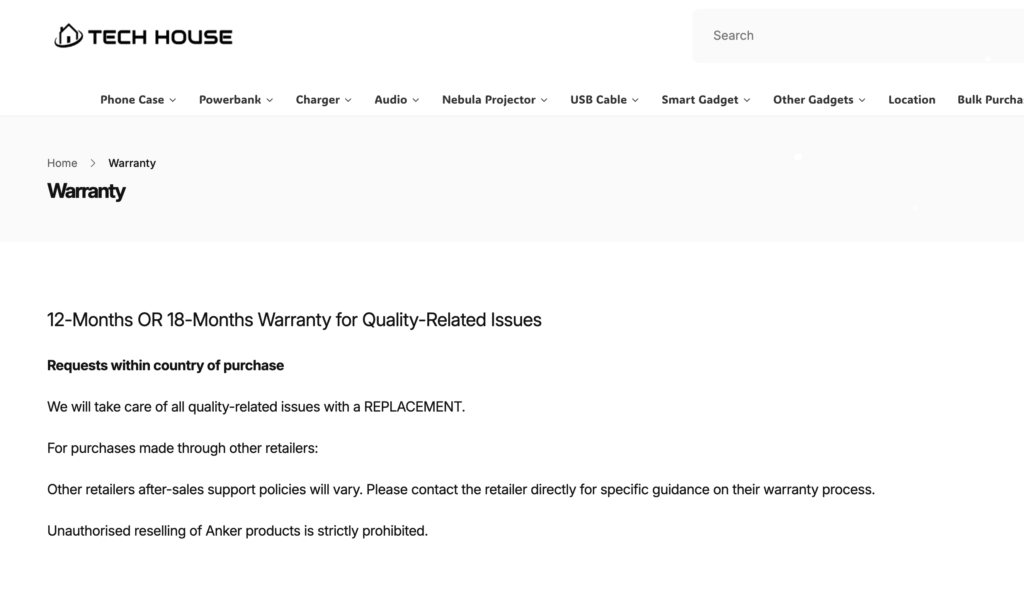
If you bought in TechHouse SG here is address:
Address and operating hours:
Location: 114 Lavender Street, #08-80 CT Hub 2, 338729 Singapore.
Directions: Please use Lift Lobby 1 or 2 to access our office.
Operating Hours: Monday – Friday (10am to 6pm)
Closed on: Weekends, and Public Holidays.
If Anker fixes the C2 cable issue, this would easily be 4.5/5 stars. Right now? 3.5/5. It’s good but not great cause of that one major flaw.
Would I Buy It Again?
Honestly? Probably not unless they release updated version with fixed C2 cable. I’d rather get the UGREEN 145W and just pack my own cables. Less convenient but more reliable.
That said, I’m still using mine cause when it works (which is most of the time), it works great. Just gotta keep warranty info handy.
Tips If You Buy This
- Test C2 cable immediately when you get it. Within first week of use.
- Keep receipt and warranty card. You’ll probably need it.
- Register product on Anker website for easier warranty claims.
- Buy from official sellers (Anker SG, Lazada Official, Shopee Official) for proper warranty.
- Bring backup USB-C cable just in case C2 fails when you’re traveling.
For fellow Singaporeans flying from Changi – this powerbank is under 100Wh limit so no approval needed. Just keep it in carry-on and make sure capacity label is clearly visible. Don’t want it thrown away like my mum’s powerbank.
Stay charged out there. Just maybe bring backup cable lah.